STARTECH
StarTech AC USBC2DVCAPRO DVI to USB-C Video Capture Device Retail
Mfg Part Number: USBC2DVCAPRO , Item #: 5998076
Image may not reflect the actual item.
Price: $147.20
Quantity:

More to Come
Last Updated: Sep 12, 2026
No Sales Tax except these states
 , PO and Wire.
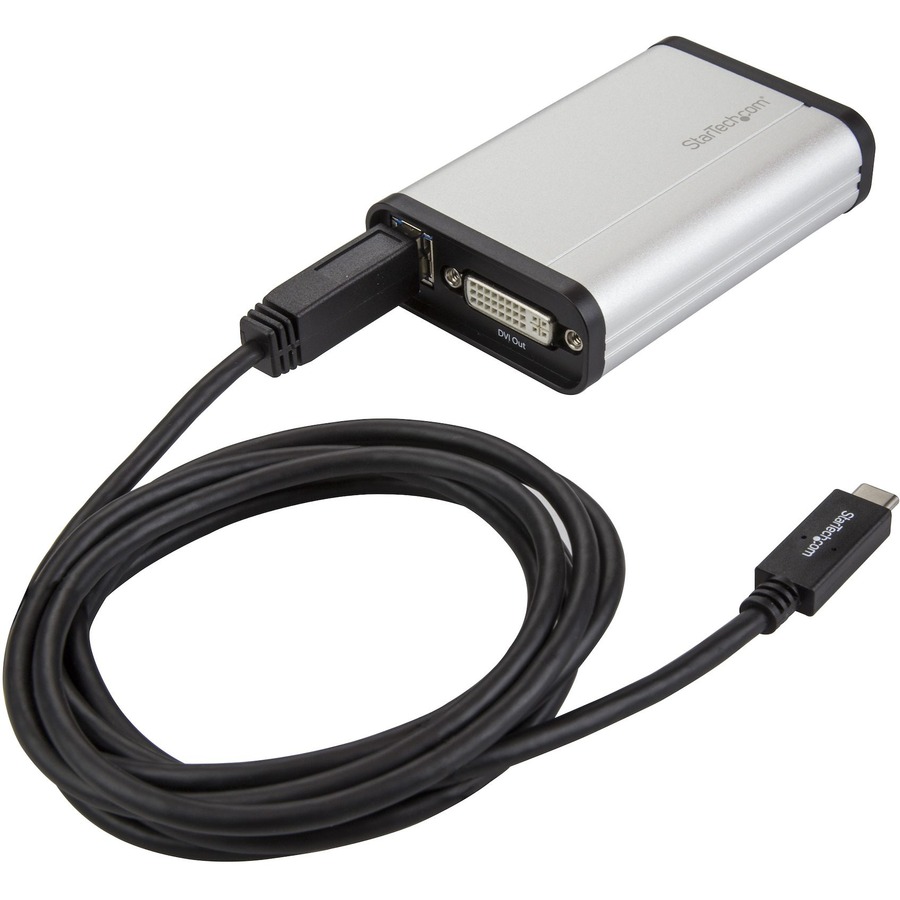
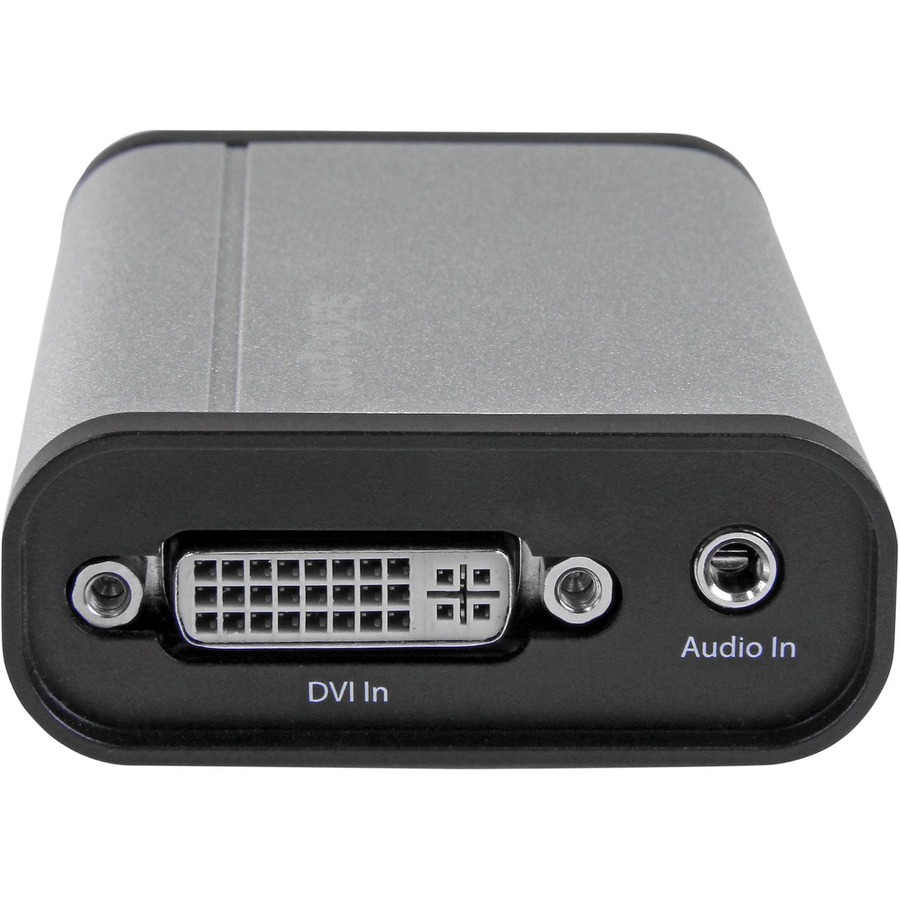
This DVI to USB-C™ video capture device works as an external USB capture card to record high-definition DVI video to your USB-C, USB-A or Thunderbolt 3 computer. With an aluminum enclosure, this device is built strong for fixed-location or on-the-go capture. It offers a separate 3.5 mm audio input for accompanying audio or voice-overs, and a DVI} pass-through port for connecting a monitor to review the video as it's captured. Easy Video Recording on Windows and Mac The included software makes USB-C DVI capture easy by turning your computer into a DVI recorder. Using a widely adopted codec, videos saved in StreamCatcher™ work with almost any video player and require no converting or editing. On Windows, you can live broadcast your video over the internet, using Twitch™ or other third-party video streaming platforms, with the included software. Capture HD Video at 1080p 60fps With this DVI to USB video capture device, you can record meetings, presentations, conference calls and security footage, saving 1080p HD video at 60fps directly to your computer for easy editing and sharing. DirectShow Compatibility on Windows With this DVI to USB 3.0 video capture device, you can record raw/lossless video using any third-party DirectShow™ compatible software, such as Open Broadcaster Software (OBS).

Main Specification
| General Information | |
| Manufacturer | StarTech.com |
| Manufacturer Part Number | USBC2DVCAPRO |
| Manufacturer Website Address | http://www.startech.com |
| Brand Name | StarTech.com |
| Product Name | DVI to USB C Video Capture Device - 1080p 60fps |
| Packaged Quantity | 1 Each |
| Product Type | Video Capturing Device |
| Technical Information | |
| Functions | Video Editing |
| Functions | Video Recording |
| Functions | Video Streaming |
| Functions | Video Capturing |
| Maximum Resolution | 1920 x 1080 |
| Platform Supported | PC |
| Platform Supported | Mac |
| Interfaces/Ports | |
| USB | Yes |
| Audio Line In | Yes |
| DVI | Yes |
| Physical Characteristics | |
| Form Factor | External |
| Height | 1.1" |
| Width | 2.3" |
| Length | 3.6" |
| Weight (Approximate) | 0.19 lb |
| Miscellaneous | |
| Package Contents |
|
| Country of Origin | Taiwan |
| TAA Compliant | Yes |
| Environmentally Friendly | Yes |
| Environmental Compliance | Restriction of Hazardous Substances (RoHS) |
| Environmental Compliance | Registration, Evaluation, Authorization and Restriction of Chemicals (REACH) |
| Environmental Compliance | Waste Electrical and Electronic Equipment Directive (WEEE) |
| Warranty | |
| Limited Warranty | 2 Year |


 WARNING:: The plastic used in cable products can expose you to lead and lead components,
chemicals known to the State of California to cause cancer, birth defects, or other reproductive harm.
For more information go to www.P65Warnings.ca.gov
WARNING:: The plastic used in cable products can expose you to lead and lead components,
chemicals known to the State of California to cause cancer, birth defects, or other reproductive harm.
For more information go to www.P65Warnings.ca.gov