ADESSO
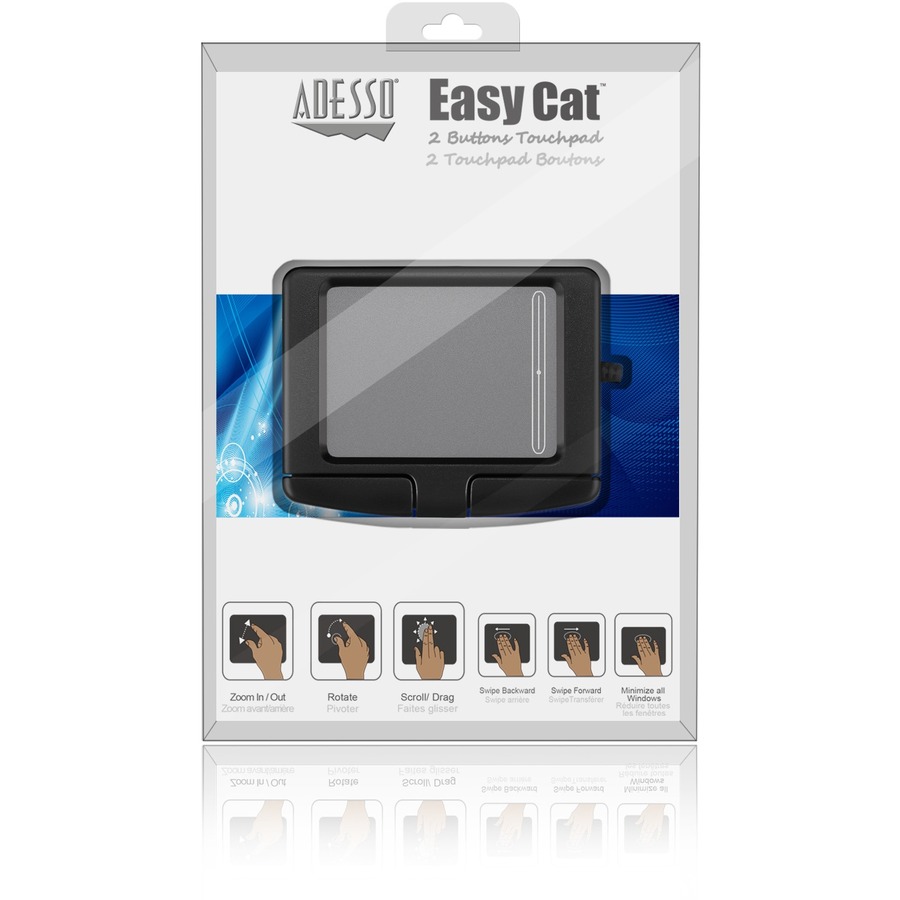
Adesso GP-160UB Easy Cat 2 Button Glidepoint Touchpad
Mfg Part Number: GP-160UB , Item #: 484483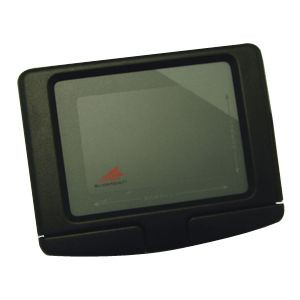
Image may not reflect the actual item.
Price: $50.86
+ Free Shipping
Quantity:

In Stock: 792
Last Updated: Apr 24, 2026
No Sales Tax except these states
 , PO and Wire.
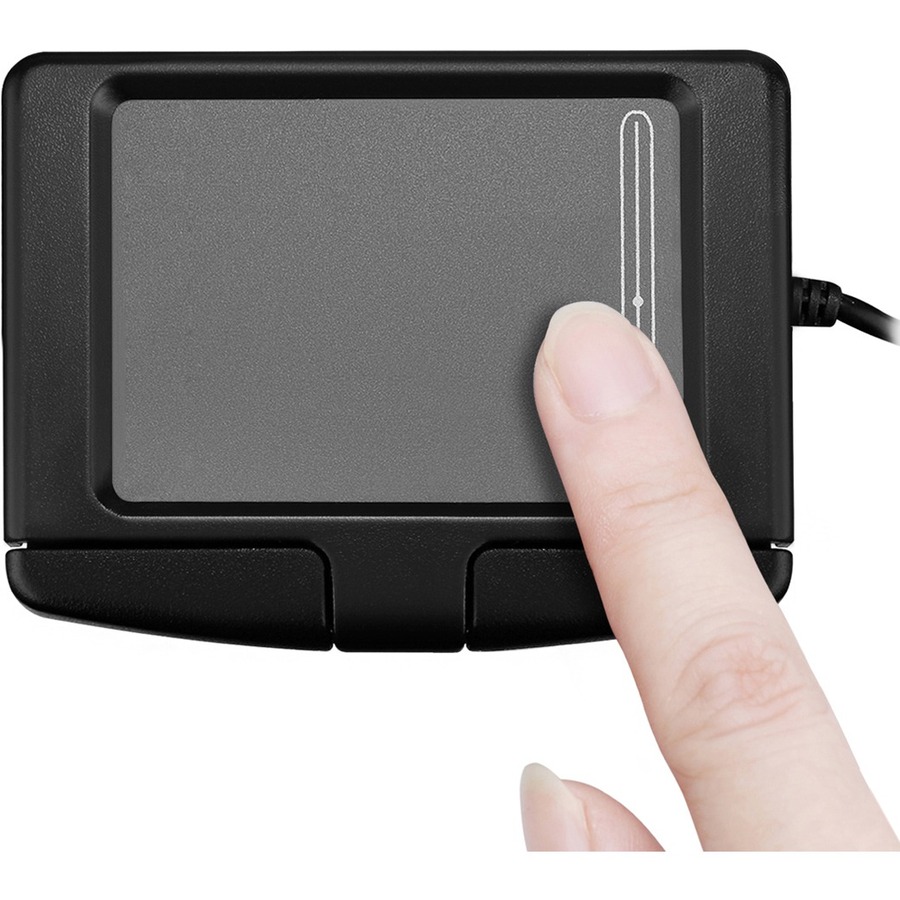
Why push a mouse when you can just point? Adesso's Easy Cat with Glidepoint Technology makes it easier than ever to control your PC. Simply glide your finger over the smooth surface of the pad and gently tap on the pad or click the buttons to perform all cursor movement functions. Plus, the Easy Cat's solid-state design means no inconvenient breakdowns and no moving parts to clean.

Main Specification
| General Information | |
| Manufacturer | Adesso, Inc |
| Manufacturer Part Number | GP-160UB |
| Manufacturer Website Address | http://www.adesso.com |
| Brand Name | Adesso |
| Product Line | Easy Cat |
| Product Name | Easy Cat - 2 Button Glidepoint Touchpad (USB) |
| Packaged Quantity | 1 Each |
| Product Type | TouchPad |
| Pointing Device | |
| Pointing Device Connectivity Technology | Cable |
| Pointing Device Cable Length | 6 ft |
| Movement Detection | Electromagnetic |
| Total Number of Buttons | 2 |
| Interfaces/Ports | |
| Pointing Device Host Interface | USB |
| Battery Information | |
| Battery Included | No |
| Physical Characteristics | |
| Color Family | Black |
| Product Color | Black |
| Height | 0.5" |
| Width | 3.4" |
| Depth | 2.7" |
| Weight (Approximate) | 6.40 oz |
| Miscellaneous | |
| Package Contents |
|
| Additional Information |
|
| System Requirements | Operating Systems:
|
| Operating System Compatibility | Windows 10 |
| Device Supported | Computer |
| Country of Origin | China |
| Warranty | |
| Limited Warranty | 1 Year |
MODEL- GP-160UB           VENDOR- ADESSO INC

FEATURES- Easy Cat 2 Button USB Glidepoint Touchpad- Black
       Why push a mouse when you can just point? Adesso's Easy Cat with
        Glidepoint Technology makes it easier than ever to control your PC.
        Simply glide your finger over the smooth surface of the pad and
        gently tap on the pad or click the buttons to perform all cursor
        movement functions. Plus, the  Easy Cat's solid-state design means
        no inconvenient breakdowns and no moving parts to clean.
* The Adesso Easy Cat touchpad makes it easier than ever to control your
  computer. To perform basic mouse functions, simply glide your finger over
  the smooth surface of the Easy Cat  to point, then tap on the pad or
  press on the buttons to click.
* Tap zones: Both "left" and "right" click functions can be activated by
  tapping on designated areas of the pad. It's easy to detect the "right"
  click area of the pad thanks to the subtle change of pad texture and
  color.
* Drag, draw, highlight: Double-tap and hold your finger on the pad, or
  hold the left button as your finger glides to grab, drag, and highlight
  any item on-screen.
* Scroll: Quickly activate vertical scrolling by gliding a finger along the
  touchpad edge.
* GlideExtend: Edge-extending features make it easy to keep moving the
  cursor after you've run into the touchpad's edge. Virtual buttons,
  sounds, speed, sensitivity and orientation settings can be customized via
  Cirque's driver.

  -- SPECIFICATIONs -----------------------------------
CONNECTOR    - USB with 6 ft. cord
CONTROLS     - 2 mechanical buttons and 2 tap zones
SURFACE AREA - Device: 2.7" x 3.4" x 0.5"
               Touch : 2.38" x 1.75"
REQUIREMENTS - IBM PC-compatible computer or Apple Macintosh USB port
               Windows 98, 2000, XP or Mac0S 8.5 - X
   www.adesso.com


 WARNING:: The plastic used in cable products can expose you to lead and lead components,
chemicals known to the State of California to cause cancer, birth defects, or other reproductive harm.
For more information go to www.P65Warnings.ca.gov
WARNING:: The plastic used in cable products can expose you to lead and lead components,
chemicals known to the State of California to cause cancer, birth defects, or other reproductive harm.
For more information go to www.P65Warnings.ca.gov
