UBIQUITI
UBIQUITI UAP-NANOHD-US UNIFI AC AP COMPACT WAVE2 POE NOT INCLUDED
Mfg Part Number: UAP-NANOHD-US , Item #: 3042406
Image may not reflect the actual item.
Price: $169.81
+ Free Shipping
Quantity:

More to Come
Last Updated: Sep 16, 2026
No Sales Tax except these states
 , PO and Wire.
Scalable Enterprise Wi-Fi Management
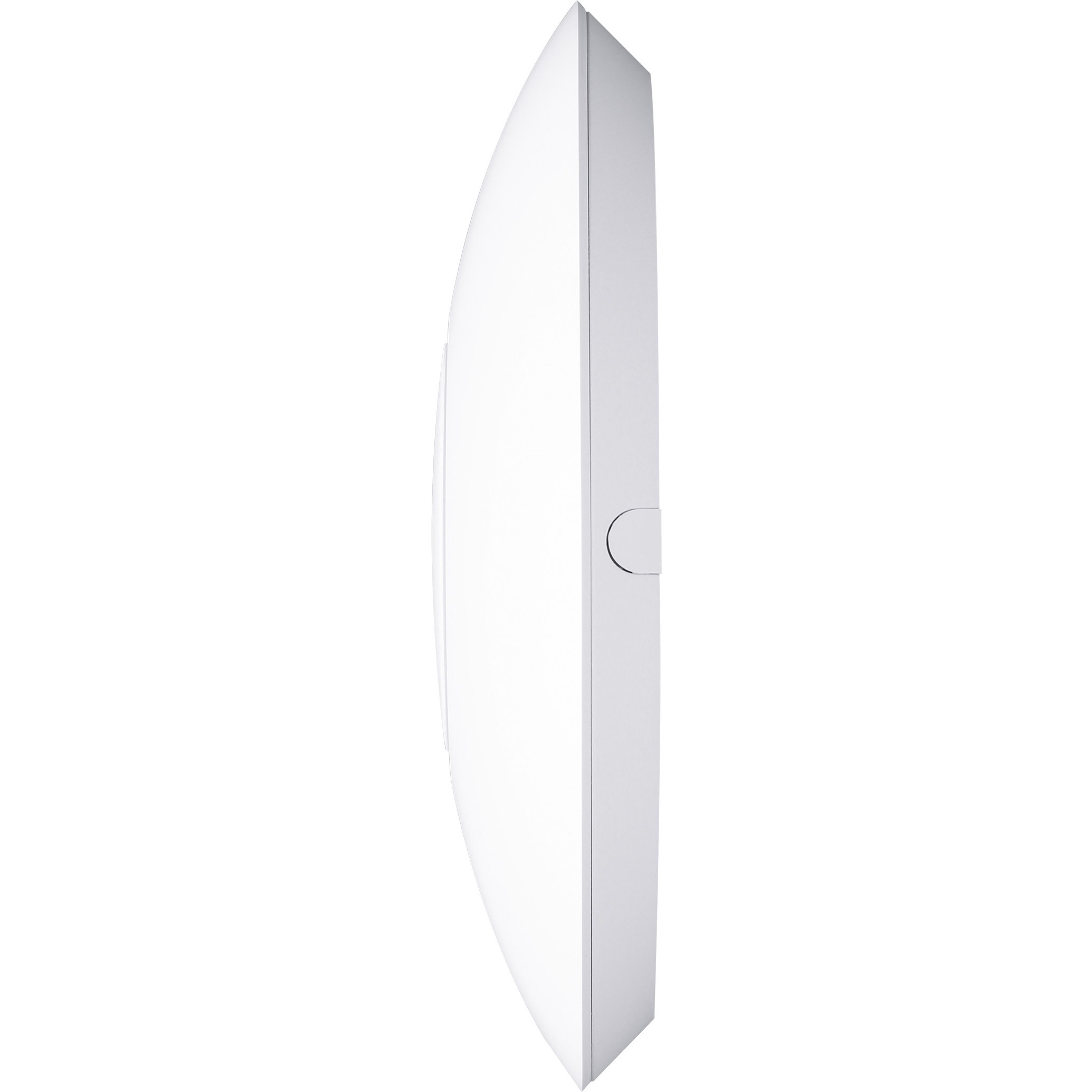
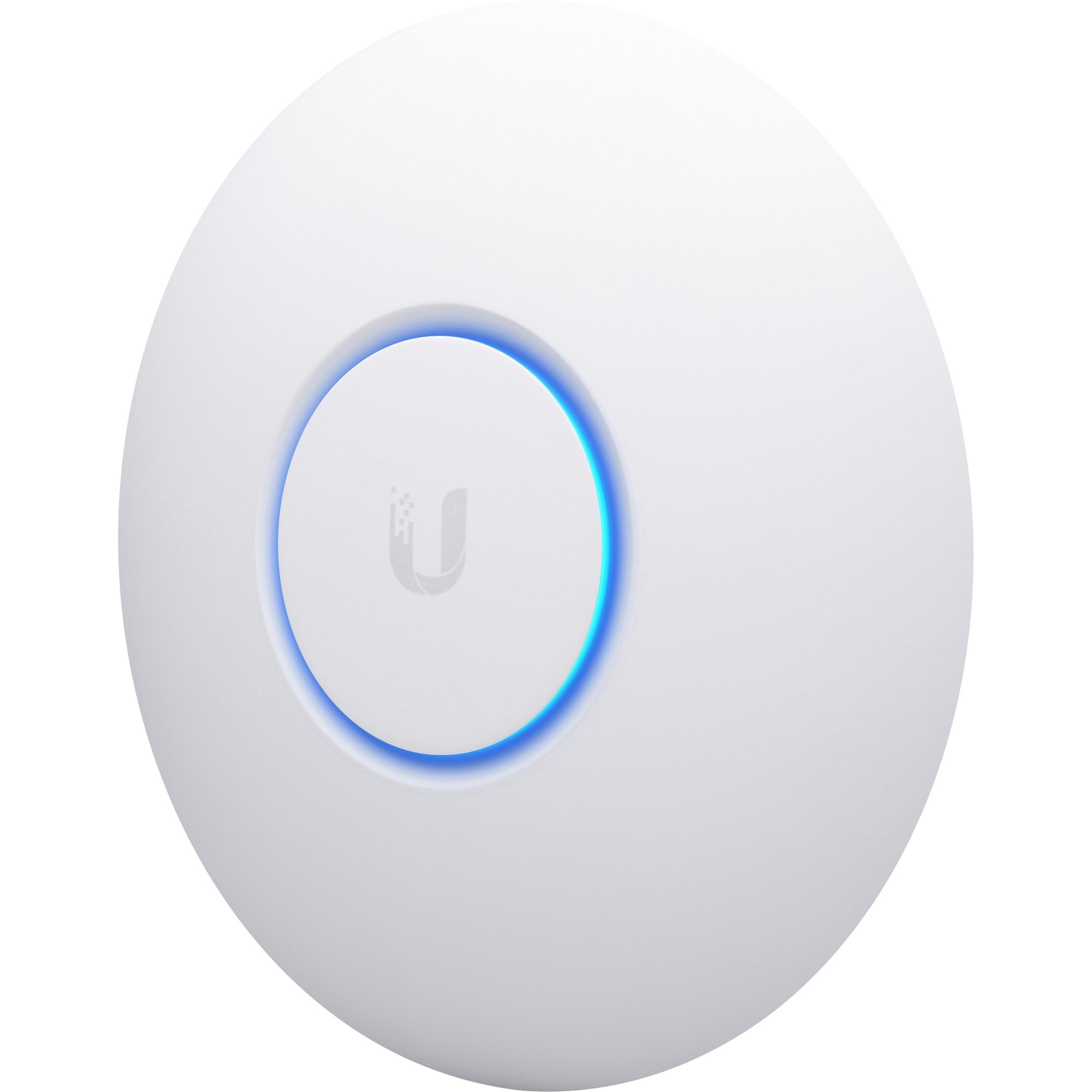
The UniFi nanoHD AP has a refined industrial design and can be easily installed using the included mounting hardware.
Easily accessible through any standard web browser and the UniFi Network mobile app (iOS or Android), the UniFi Network Application is a powerful software engine ideal for high-density client deployments requiring low latency and high uptime performance.
Use the UniFi Network Application to quickly configure and administer an enterprise Wi-Fi network - no special training required. RF map and performance features, real-time status, automatic UAP device detection, and advanced security options are all seamlessly integrated.

The UniFi nanoHD AP has a refined industrial design and can be easily installed using the included mounting hardware.
Easily accessible through any standard web browser and the UniFi Network mobile app (iOS or Android), the UniFi Network Application is a powerful software engine ideal for high-density client deployments requiring low latency and high uptime performance.
Use the UniFi Network Application to quickly configure and administer an enterprise Wi-Fi network - no special training required. RF map and performance features, real-time status, automatic UAP device detection, and advanced security options are all seamlessly integrated.
Main Specification
| General Information | |
| Manufacturer | Ubiquiti Inc. |
| Manufacturer Part Number | UAP-NANOHD-US |
| Manufacturer Website Address | http://www.ui.com |
| Brand Name | Ubiquiti |
| Product Line | UniFi nanoHD |
| Product Model | UAP-nanoHD |
| Product Name | 4x4 MU-MIMO 802.11ac Wave 2 Access Point |
| Product Type | Wireless Access Point |
| Technical Information | |
| Wireless LAN Standard | IEEE 802.11ac |
| Frequency Band | 5 GHz |
| Frequency Band | 2.40 GHz |
| MIMO Technology | Yes |
| Interfaces/Ports | |
| Ethernet Technology | Gigabit Ethernet |
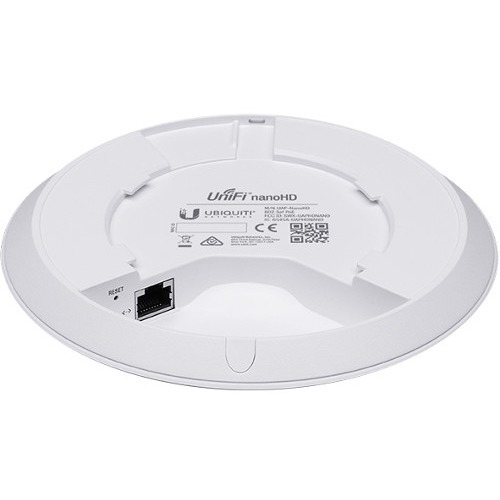
| Number of Network (RJ-45) Ports | 1 |
| PoE PD Port | Yes |
| VGA | No |
| HDMI | No |
| Powerline | No |
| Physical Characteristics | |
| Form Factor | Ceiling Mountable |
| Form Factor | Wall Mountable |
| Height | 1.3" |
| Diameter | 6.3" |
| Weight (Approximate) | 10.58 oz |
| Miscellaneous | |
| Package Contents |
|
| Warranty | |
| Limited Warranty | 1 Year |


 WARNING:: The plastic used in cable products can expose you to lead and lead components,
chemicals known to the State of California to cause cancer, birth defects, or other reproductive harm.
For more information go to www.P65Warnings.ca.gov
WARNING:: The plastic used in cable products can expose you to lead and lead components,
chemicals known to the State of California to cause cancer, birth defects, or other reproductive harm.
For more information go to www.P65Warnings.ca.gov
